Class Starts in

Canva Basics for Makers
Design with confidence — without feeling overwhelmed.
This live virtual class is designed for beginners who want to understand Canva, create clean designs, and stop guessing every time they open a blank canvas.
THURSDAY, January 29, 2025| 7PM CST
Canva Basics
This class is designed to help beginners stop guessing in Canva and start designing with clarity and confidence. Students will understand how Canva works, why designs look off, and how to create clean, usable designs for shirts, tumblers, and digital products—without overwhelm.
This is not a deep design mastery class. It’s the essential foundation that makes future Canva, sublimation, and shirt-making classes easier and more effective.

Canva is supposed to be easy...
But it doesn't feel that way at first
Everyone says "it's drag and drop" but for me:
“I open Canva and don’t know where to start”
“My designs never look like the examples”
I don’t know what size to use”
“I use fonts but they don’t look right together”
“I download my design and it doesn’t work”
“I want to design faster, not start from scratch every time”
In this class, you will get answers and clarity
We walk through Canva’s layout, templates, and design types so students know exactly where to click and why.
We introduce basic layout principles (spacing, alignment, hierarchy) in simple, non-technical language.
We explain when size matters, when it doesn’t, and how to choose the right starting point without overthinking.
We cover font pairing basics and how to spot fonts that don’t belong together.
We break down file types (PNG, JPG, PDF) and when to use each—especially for makers.
Learn how to reuse designs, duplicate layouts, and build a simple design flow.
By the end of the class, you're no longer guessing. You understand what is happening.
Our classes are different.
They are small, intentional, and interactive. You’ll get the space to ask questions, join the conversation, and walk away with clear guidance you can use right away.
Give us 90 minutes and you will get...
Canva Confidence (No More Guessing)
A clear understanding of how Canva works, what matters most as a beginner, and where to focus when designing.
A Beginner-Friendly Canva Walkthrough
A guided tour of the Canva interface so they know where tools live, what to click, and what to ignore for now.
Clarity on Sizes & Design Types
Confidence choosing the right canvas size and design type without overthinking or starting over.
Layout Basics That Instantly Improve Designs
Simple layout principles (spacing, alignment, balance) that help designs look cleaner and more intentional.
Fonts That Actually Work Together
Font pairing basics so text looks readable, polished, and cohesive — not cluttered.
Correct File Downloads (So Designs Actually Work)
When to use PNG, JPG, or PDF, plus how to export designs correctly for different uses.
A strong foundation you can build on
A strong Canva foundation that makes future classes, templates, and product design easier and faster.
By the end of this course, you’ll have the clarity to confidently use DTF transfers.
This Class will cover...
Canva Foundations (So You’re Not Lost)
You’ll learn how Canva is set up, where tools live, and what matters most when you’re just getting started — so opening Canva no longer feels overwhelming.
You’ll understand:
How Canva is structured
What tools beginners should focus on
What features you can safely ignore (for now)
Choosing the Right Design Type & Size
One of the most common beginner struggles is knowing where to start.
We’ll walk through:
Templates vs blank designs
Preset sizes vs custom sizes
How to confidently choose a starting point without overthinking
Working With Elements & Graphics
Canva has a lot of elements — knowing how to use them matters.
We’ll cover:
How to search for usable elements
Resizing and layering basics
How to avoid cluttered designs
Downloading Files Correctly
This is where many beginners get stuck.
You’ll learn:
PNG vs JPG vs PDF
When to use transparent backgrounds
How to export designs that actually work
Designing Faster & Smarter
Instead of starting from scratch every time, you’ll learn how to:
Duplicate designs
Reuse layouts
Create a simple design flow that saves time
You don’t need to know everything — you just need a solid starting point.
Your Investment
Our live sessions are intentional and personal. We don’t pack hundreds of people onto a call—we keep the group small so you feel comfortable asking questions, whether you prefer to speak up or use the chat. Our goal is to give you the information, guidance, and support you need to succeed. This course is designed so you can get personalized answers, real-time feedback, and the clarity to thrive in your business.
Canva Basics for Makers
$29
Virtual Live Session
Live Beginner - Friendly Instruction (60-90 minutes)
A structured, beginner-friendly session that walks you through Canva step-by-step — without overwhelm.
Clear Canva Foundations
Understand how Canva works, what tools matter most, and how to stop guessing when you design.
Live Q&A
Ask your questions and get real answers — no digging through comment sections or conflicting advice online.
14-Day Replay Access
Rewatch the class as you practice so you don’t feel rushed or overwhelmed.
(Unlimited replay included for members.)
Canva Essentials Guide (PDF)
A quick-reference guide you can keep near your to reinforce what you learned.
Canva Starter Templates
Clean, beginner-friendly layouts to help you design faster—without starting from scratch.
Meet Your Teacher
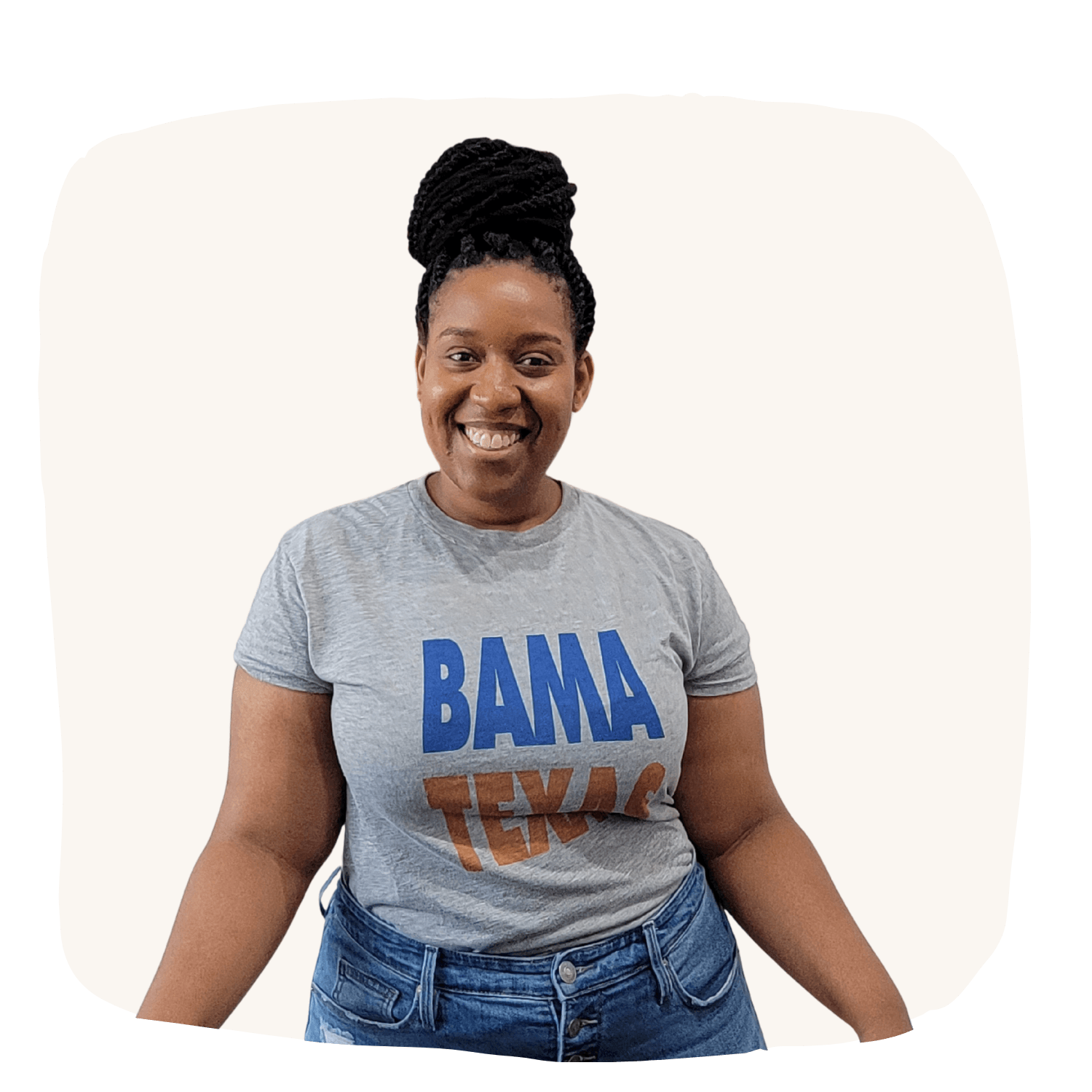
Ashley Harvell, MBA
Owner of BamaTexas
I teach makers how to learn new skills, build confidence, and create quality products without feeling overwhelmed. Everything we teach comes from real hands-on experience — the wins and the mistakes — so you can learn smarter and avoid frustration.
Holiday Challenge
LIVE Access Only
You will get access to Day One and Two Lives Only. No Replay will be available.